
 By
By I want to start with complete honesty. Most articles about free AI tools are copied from other sites by people who never used the tools. This guide is different.
Every tool here is one I use daily as a Mobile App Developer, SEO Specialist, and blogger from Muzaffargarh, Pakistan. I tested each one in real work. You will know what is worth your time in 2026 and which tools fit students, developers, bloggers, freelancers, and content creators.
Related: Start Here · AI Tools Category
Why I Started Testing Free AI Tools
I work from Muzaffargarh, a small city in Punjab, Pakistan. I used to feel behind developers in big cities. Free AI tools changed that. They did not just save time. They changed what I could build and publish alone.
That is why I created AI Growth Paths and why I wrote this guide.
How I Tested These Tools
I judged every tool on four things:
- Real usefulness in daily work
- Quality of output (good enough to use or not)
- Ease of use for beginners
- Real value on the free plan (not just a paid teaser)
Claude (Best for Writing and Deep Thinking)

Claude is my most trusted tool for writing and complex thinking. I bring my own ideas and experience. Claude helps me express them clearly. The result still sounds like me.
It handles nuance well. It considers different angles instead of shallow answers.
Best for: Long blog posts, guides, detailed explanations, thoughtful content
My rating: Best free AI writing tool in 2026
Try it: claude.ai
Related: Best AI Tools for Bloggers
ChatGPT (Most Versatile Daily Tool)
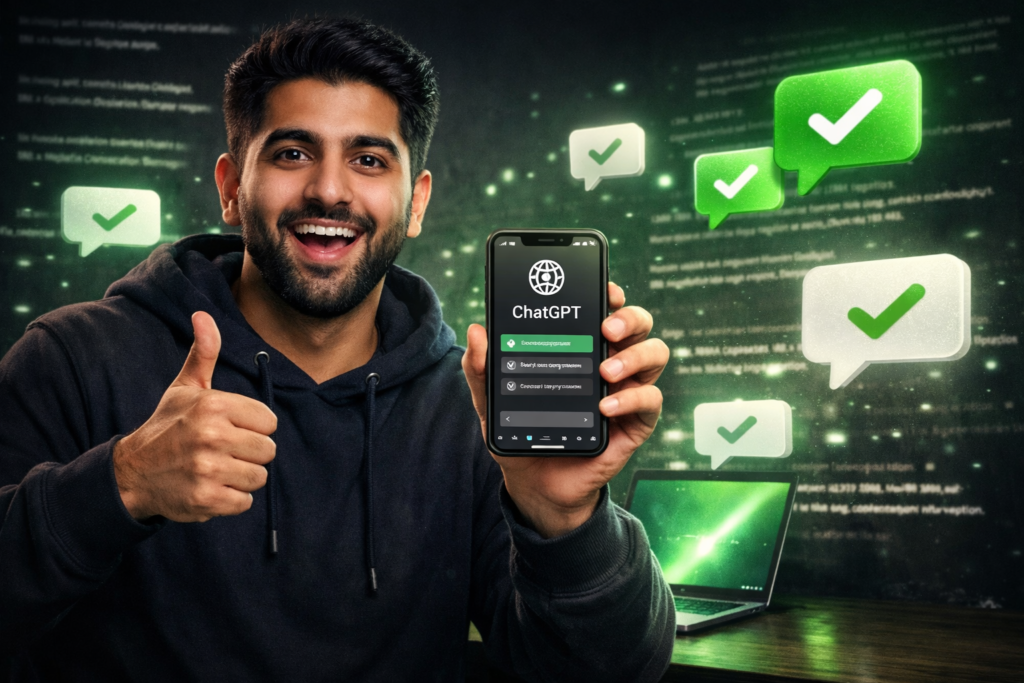
ChatGPT is the tool most people try first. The free version is strong for everyday tasks.
I use Claude for deep writing. I use ChatGPT for quick answers, outlines, summaries, brainstorming, and fast research.
Best for: Research, brainstorming, outlines, quick drafts, daily questions
My rating: Essential. If you install only one AI app, start here
Try it: chat.openai.com
Cursor AI (Best for Developers and Coding)

Cursor AI changed my development workflow more than any other AI tool.
It is an AI code editor built on VS Code. It understands your full project, not just one file. That means better suggestions when you add features or fix bugs.
I spend far less time on syntax searches, boilerplate, and basic debugging. It also explains errors in a way that helps me learn.
Best for: App development, debugging, code review, learning new frameworks
My rating: The most impactful free AI tool for developers
Try it: cursor.com
Related: Developer AI Guides
Grok (Best for Real Time Information)
Most AI tools have a knowledge cutoff. For blogging about fast moving AI news, that was a real problem.
Grok helps with current information and trending topics. I use it to fact check recent releases and plan timely content.
Best for: Live research, trends, fact checking, AI industry updates
My rating: Uniquely useful for current information
Try it: grok.com (use with Claude and ChatGPT, not instead of them)
Google Gemini (Best for Google Workspace Users)
If you live inside Gmail, Google Docs, and Drive, Google Gemini is very practical.
I use it to summarize emails, pull ideas from documents, and get structured answers for research before I write.
Best for: Research, Gmail help, document summaries, structured answers
My rating: Excellent if you already use Google tools daily
Try it: gemini.google.com
Microsoft Copilot (Best Free AI Image Generator)
Microsoft Copilot is my go to free image generator. In my testing it gives strong results and no watermarks on images.
I use it for featured images and custom graphics when templates are not enough. Write detailed prompts (style, colors, mood, layout) for better output.
Best for: Blog images, illustrations, social graphics, custom visuals
My rating: Best free AI image tool for professional blog use in 2026
Try it: copilot.microsoft.com
Canva (Best for Design and Thumbnails)
Canva is the design tool I use most. Thumbnails, social posts, infographics, and slides for AI Growth Paths all start here.
The free plan is generous. Magic Design, text to image, background remover, and Magic Animate make pro looking visuals possible without design school.
Best for: Thumbnails, social media graphics, infographics, presentations
My rating: Essential for every content creator and blogger
Try it: canva.com
Related: Content Creator Guides
Grammarly (Best for Writing Quality)
English is not my first language. Grammarly quietly improved my confidence and clarity.
The free extension works in WordPress, Gmail, Google Docs, and social platforms. I do not publish important writing without it.
Best for: Grammar, clarity, tone, professional emails and blog posts
My rating: Essential for non native English writers
Try it: grammarly.com
CapCut (Best Free AI Video Editor)
CapCut is the free video editor I recommend most. Auto captions alone save hours every week.
I also use background removal, smart transitions, and voice enhancement when recording conditions are not perfect.
Best for: Reels, YouTube videos, tutorials, short form content
My rating: Best free AI video editor in 2026
Try it: capcut.com
ElevenLabs (Best Free AI Voice Generator)
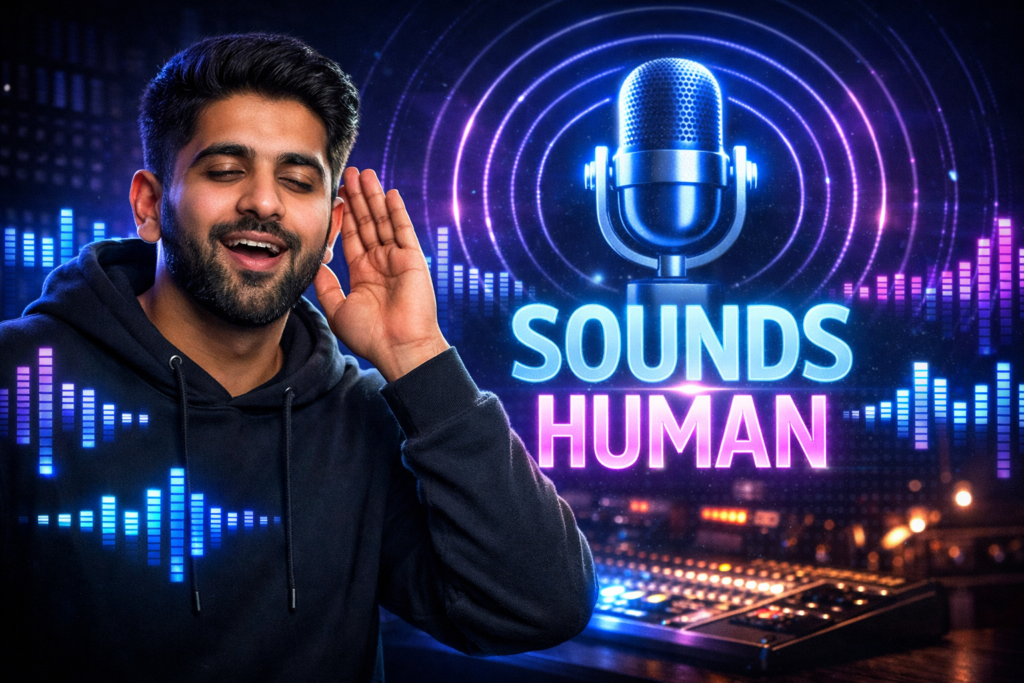
When I need narration and cannot record myself, ElevenLabs sounds more natural than other free voice tools I tested.
The free plan is enough for regular content if you plan credits wisely.
Best for: Video voiceovers, tutorials, podcast style audio
My rating: Best free AI voice tool for realistic speech
Try it: elevenlabs.io
Notion AI (Best for Planning and Organization)
Notion holds my content calendar, ideas, research notes, tasks, and project plans.
Notion AI helps me summarize research, build outlines, and turn messy notes into clear documents.
Best for: Content planning, tasks, research notes, project management
My rating: Best free productivity hub with built in AI
Try it: notion.so
My Recommended Tool Combinations
If You Are a Student
Claude + Grammarly + Notion + Canva
Start with Claude and Grammarly this week.
If You Are a Developer
Cursor AI + Claude + ChatGPT + Grok
Start with Cursor today.
If You Are a Blogger
Claude + Grok + Canva + Microsoft Copilot + Grammarly
Start with Claude for your next post outline.
If You Are a Freelancer
Claude + Canva + Grammarly (+ Cursor if you code)
Rewrite your Fiverr gigs with Claude first.
If You Are a Content Creator
CapCut + Claude + Copilot + Canva + ElevenLabs
Add auto captions to your next video first.
If You Are a Business Owner
ChatGPT + Canva + Notion + Grammarly
Quick Comparison Table
| Tool | Best For | Free Plan | Link |
|---|---|---|---|
| Claude | Writing, thinking | Strong | claude.ai |
| ChatGPT | Daily tasks, research | Strong | chat.openai.com |
| Cursor AI | Coding | Strong | cursor.com |
| Grok | Live info | Strong | grok.com |
| Gemini | Google users | Strong | gemini.google.com |
| Copilot | Images | Strong | copilot.microsoft.com |
| Canva | Design | Strong | canva.com |
| Grammarly | Writing quality | Strong | grammarly.com |
| CapCut | Video editing | Strong | capcut.com |
| ElevenLabs | Voice | Limited credits | elevenlabs.io |
| Notion | Organization | Strong | notion.so |
FAQ
Are these tools really free?
Yes. I use the free plans for real professional work on AI Growth Paths.
Which tool should beginners try first?
Start with Claude. Ask it to explain one topic you care about. You will see the value fast.
Can students use AI for assignments?
Use AI to learn, outline, and improve your writing. Do not submit AI written work as your own without real effort. That crosses an ethical line.
Can people from small cities in Pakistan use these tools?
Yes. I use all of them from Muzaffargarh daily. You only need internet and a phone or laptop.
Do I need paid plans for professional results?
No. This site runs on free plans for writing, design, code help, images, and video.
Which tool for which task?
Claude for writing. ChatGPT for quick tasks. Cursor for code. Grok for current news. Copilot for images. Canva for design. Grammarly for polish. CapCut for video. ElevenLabs for voice. Notion for planning.